







Make: automation for freelancers
An automation platform that simplifies your processes by connecting your tools
20% of payments fund FreelanceKit when you use this link
What is Make (formerly Integromat)?
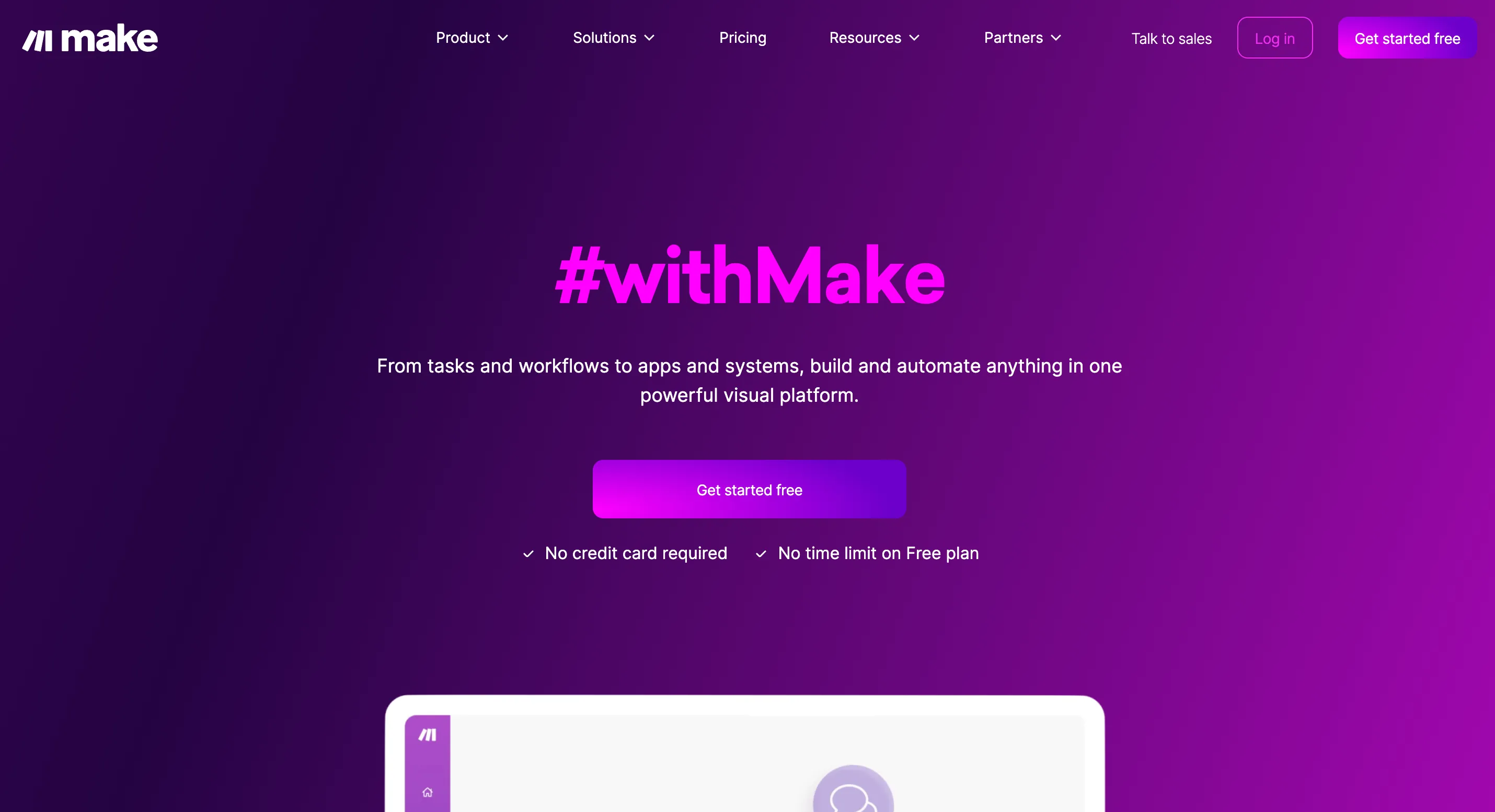
Make is a visual automation platform that connects different tools to automate repetitive tasks. You can build "scenarios" without writing a line of code, linking your favorite apps so they do the work for you.
What you can do with Make as a freelancer
Here are some concrete examples of useful automations for a freelancer:
- Automatic invoice archiving: Connect your invoicing tool (like Freebe or Indy) to Google Drive or Dropbox to automatically archive your invoice PDFs.
- Centralized client requests: Got a form filled in on Typeform or Google Forms? Make can send it straight to Notion, Airtable or your CRM.
- Lead tracking: Every time someone subscribes to your newsletter or contacts you on LinkedIn, you can automatically create a record in your prospect database.
- Smart notifications: Get a Slack or email alert only when a gig with a certain keyword is posted on a platform (via RSS, or Zapier and Make combined).
- Content scheduling: Link Notion, Google Calendar and Buffer to publish your content automatically on the dates you planned.
Why use Make as a freelancer?
Make stands out for:
- A visual interface: Everything works by drag and drop, it's simple and accessible even without technical skills.
- Huge time savings: Fewer manual tasks means more time for your clients (or to catch your breath!).
- Real flexibility: You can connect more than 1,000 apps and build scenarios as simple or as complex as you like.
- A very useful free version: Ideal for getting started and testing your first automations.
Why we recommend Make
We recommend it to freelancers who want to connect their tools without code, using visual scenarios. The weak point to know about: Make gets complex for advanced automations, and operations are limited by plan: keep an eye on your usage before building your whole process on it.
In short
Make is a powerful tool for freelancers who want to save time, avoid repetitive tasks and focus on what really matters. Whether you're solo or growing, you can automate part of your business and work smarter.
Strengths and weaknesses
Strengths
- No-code workflow automation
- More than 1,000 connectable apps (Google, Slack, Notion...)
- Intuitive visual scenarios
- Generous free plan
Weaknesses
- Complex for advanced automations
- Operations are limited depending on the plan
Frequently asked questions about Make
Make (formerly Integromat) is a no-code automation platform that lets you connect your apps to each other and automate workflows.
No, Make uses a visual drag-and-drop interface to create automations without writing code.
The free plan includes 1,000 operations per month and 2 active scenarios. Paid plans offer more operations.
Alternatives to Make
What we would use instead, in the same category.




Compare all the alternatives to Make
See our full comparison of the 2 alternatives to Make in 2026: prices, features and strengths, in detail.
🚀See the full comparison