






Project management
7 toolsManaging projects as a freelancer can quickly get complicated without the right tools. Project management tools keep you on track, show your progress and help you meet your deadlines without stress. They help you see how your tasks are advancing, collaborate with clients or teams and make sure everything goes to plan, while staying flexible and responsive.
Project management6
















Frequently asked questions about Project management
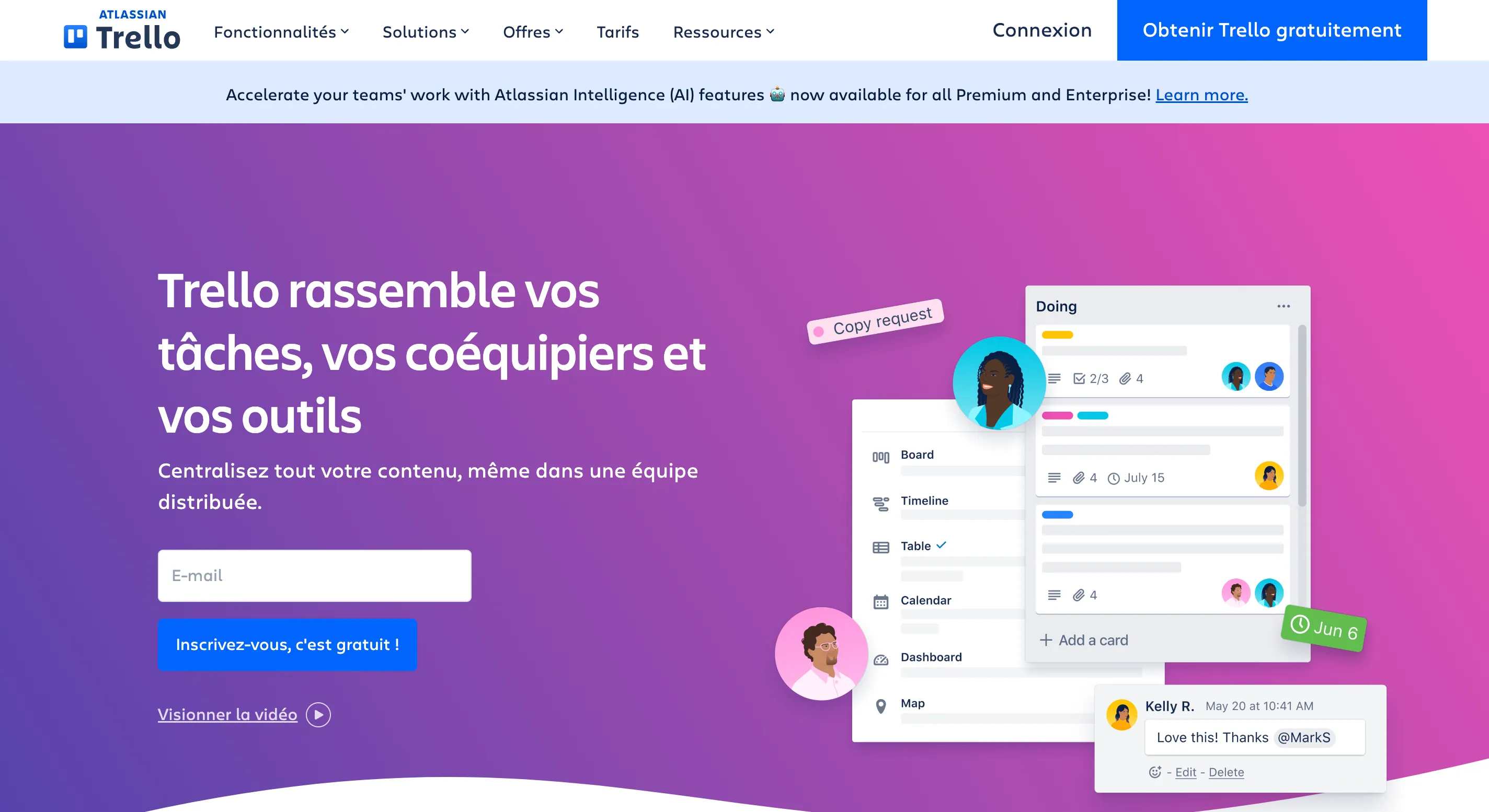
To start, go for simple, free tools like Trello, Notion or Asana. They let you create task lists, set deadlines and track progress. Avoid overly complex tools at first: you can move to more advanced solutions as your needs become clearer.
Create a space or board per client or project. Use a color code per client, tags for task types and filtered views to see your priorities quickly. Schedule slots for each project and block out time for admin.
It depends on the client and the project. For long, collaborative jobs, sharing a Trello or Notion board can improve transparency and cut down on emails. For short projects or less technical clients, prefer regular progress reports by email.





Stuck between two tools?
Put them side by side on the criteria that matter: price, features, target audience.
🚀Open the comparator