







Chrome extensions
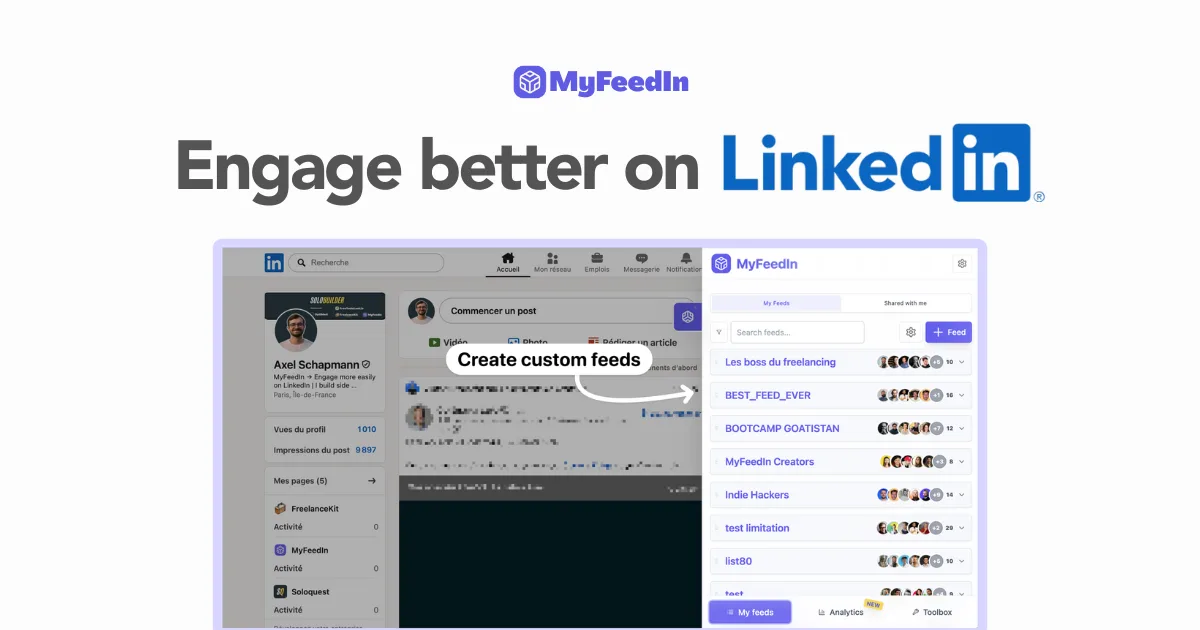
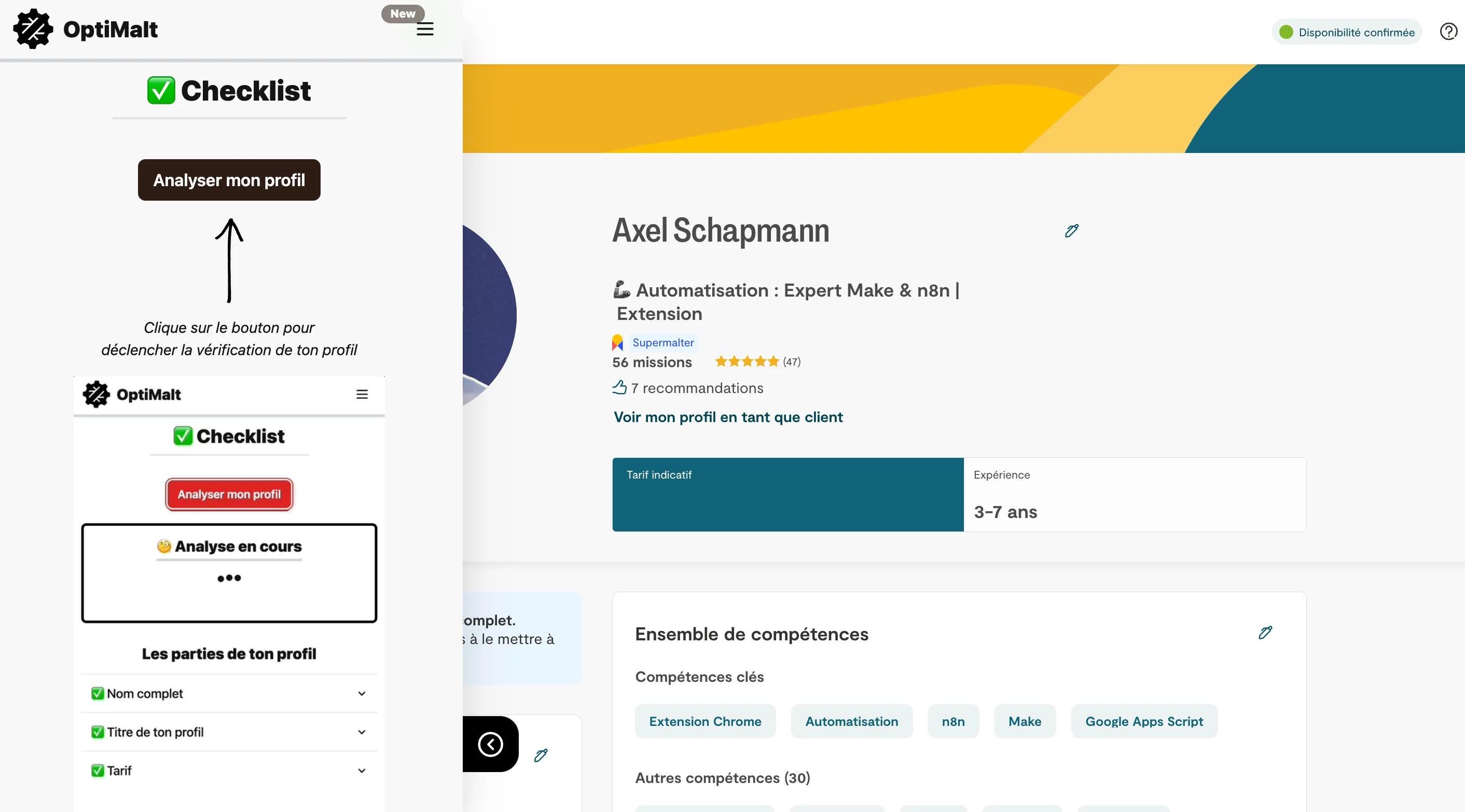
7 toolsChrome extensions can make you noticeably more productive. They give you handy shortcuts and tools right in your browser. From password managers to time trackers, these extensions streamline your daily workflow and save time and energy you can put into your creative projects.
Chrome extensions6















Frequently asked questions about Chrome extensions
A password manager (Bitwarden), an ad blocker (uBlock Origin), time tracking (Toggl Track), screen capture (Awesome Screenshot) and a research organizer (OneTab). These extensions cover security, productivity and organization.
Yes, if you install too many. Stick to 10-15 extensions you use every day. Disable the ones you rarely use and uninstall those you don't need. Check memory usage regularly in chrome://extensions/.
Sign in to your Google account in Chrome and turn on sync. Your extensions, settings and bookmarks will sync automatically. Note that some extensions need manual setup on each device.





Stuck between two tools?
Put them side by side on the criteria that matter: price, features, target audience.
🚀Open the comparator