








Webflow: build a professional website without code
A no-code website builder for creating complex sites with total design freedom
50% of payments fund FreelanceKit when you use this link
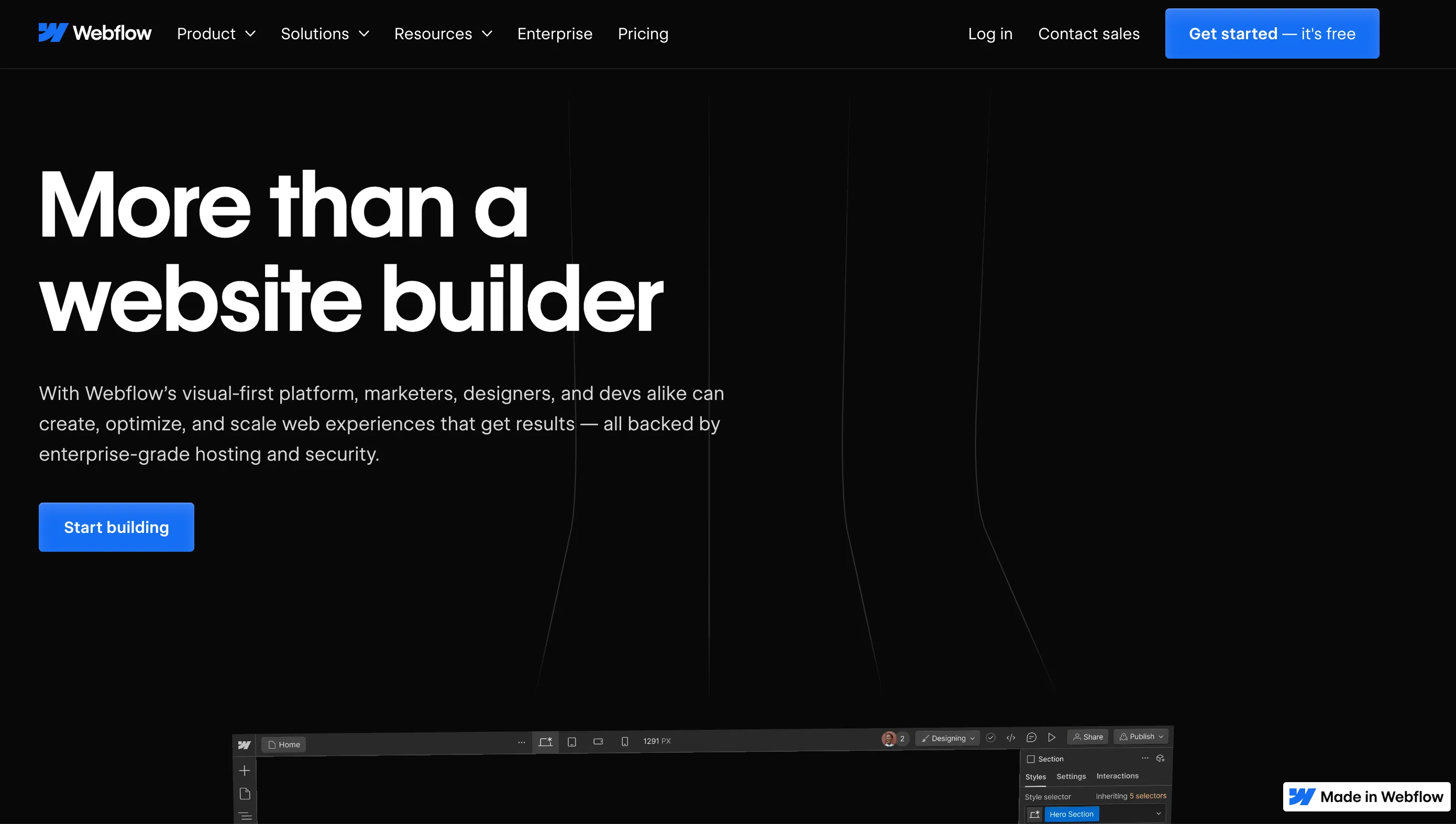
Webflow: build a professional site without coding as a freelancer
Webflow is a website building platform that lets you design, develop and publish a 100% custom site without writing a line of code. It's a powerful, flexible tool, perfect for freelancers who want to offer custom sites to their clients or create their own business site.
What you can do with Webflow as a freelancer
Here's how Webflow can help your solo business:
- Create a professional business site: Present your services, your portfolio or your current offer with a 100% custom design.
- Design landing pages for your clients: Webflow is perfect for building high-performing landing pages, with a lot of creative freedom.
- Manage content easily: With the built-in CMS, you or your client can edit content without touching the layout.
- Add animations or interaction effects: You can add modern animations without coding, for a smooth, professional result.
- Host your site directly: No need to go elsewhere, you can publish your site on a custom domain, with fast, secure hosting.
Why choose Webflow as a freelancer?
Webflow is well suited to freelancers because:
- You stay independent: You handle everything, from design to going live, without relying on a developer.
- You save time: The visual interface is intuitive, and you can start from templates to speed up your process.
- It's very flexible: Unlike WordPress, there's no fixed theme or plugins to maintain. Everything is 100% customizable.
- You show your expertise: Offering Webflow sites to your clients means offering high-end work, with a modern, professional result.
Webflow pricing in 2026
Webflow separates Site plans (publishing a site) from Workspace plans (collaborating), billed separately. On the Site plans side, billed annually:
- Starter: free, webflow.io subdomain, limited to 2 pages, for testing.
- Basic: $15/month, for simple sites without a CMS, with a custom domain.
- Premium: $25/month billed annually ($39 billed monthly), with a CMS for dynamic content.
Ecommerce plans are available separately. Prices checked on webflow.com in October 2026.
Why we recommend Webflow
We recommend it to freelancers who want a custom site with a CMS, without coding, and who have time to learn it. The weak point to know about: a real learning curve and heavily criticized support (Trustpilot 1.5/5 from 239 reviews). For a simple site, lighter tools are enough. Our detailed Webflow review goes over the plans and what users say.
Webflow or something else?
Webflow is powerful but has a real learning curve. For a simpler or different need, see our Webflow alternatives (Framer, Carrd, Webstudio...).
Strengths and weaknesses
Strengths
- Visual no-code design with a lot of layout freedom
- CMS for dynamic content (from the Premium plan)
- Animations and interactions without JavaScript
- Hosting included, free Starter plan for testing
Weaknesses
- Steep learning curve
- Heavily criticized support: Trustpilot 1.5/5 from 239 reviews
- The CMS only comes with the Premium plan ($25/month billed annually), Workspace and Ecommerce plans are extra
Frequently asked questions about Webflow
Webflow is a visual website building platform that combines the power of code with the simplicity of a visual editor: custom design, CMS and hosting, without writing code.
The Starter plan is free (webflow.io subdomain, 2 pages). Paid Site plans, billed annually: Basic at $15 per month (no CMS) and Premium at $25 per month, or $39 billed monthly (with CMS). Workspace plans and Ecommerce plans are billed separately (October 2026).
No, Webflow generates the code automatically. Some HTML/CSS knowledge does help you get the most out of the tool, which is why its learning curve is steeper than tools like Carrd.
Webflow generates clean code and offers built-in SEO tools (meta tags, sitemap, redirects), according to the vendor. Results depend mostly on the quality of your content and structure.
The main alternatives are Framer (design/animations), Carrd (simple one-page sites) and Webstudio. Compare them on our dedicated Webflow alternatives page.
Alternatives to Webflow
What we would use instead, in the same category.







Compare all the alternatives to Webflow
See our full comparison of the 3 alternatives to Webflow in 2026: prices, features and strengths, in detail.
🚀See the full comparison